Skip to content
YOUR BUSINESS. ONE SCAN AWAY.

A small card.
A reason to reconnect.

Create a branded page with your booking, contact, and review links. Then download a matching QR card to print and place where customers will find it—on a counter, at an open house, or in a sleeve near equipment you service.

Start with a ready-made design. Make it yours. Download and print.

Your brand. Your links.Change links, keep your QR Code the same.
ONE SCAN. THEIR NEXT STEP.↓
NORTHLINEHOME CARE

For next time.

QR preview
Scan me for your next stepEXAMPLE CARD
9:41
NORTHLINEHOME CARE
a little follow-up, powered by fawn

Interactive demo · Fictional businesses. Try any link above.

Be easy to find again.

Leave a card after a service or set one on your counter. Customers can find you again without remembering a name or typing a web address.
Give every visit a next step.

Put booking first, with contact and review links close by. Use the website or booking service you already have.

Make it easy to get in touch.

Give customers a quick way to ask a question, tell you about an issue, or follow your business on social media.

ONE CODE. PLENTY OF PLACES.

Put your business within reach.

A professional card that fits the space. Print the same QR code on as many copies as you need.

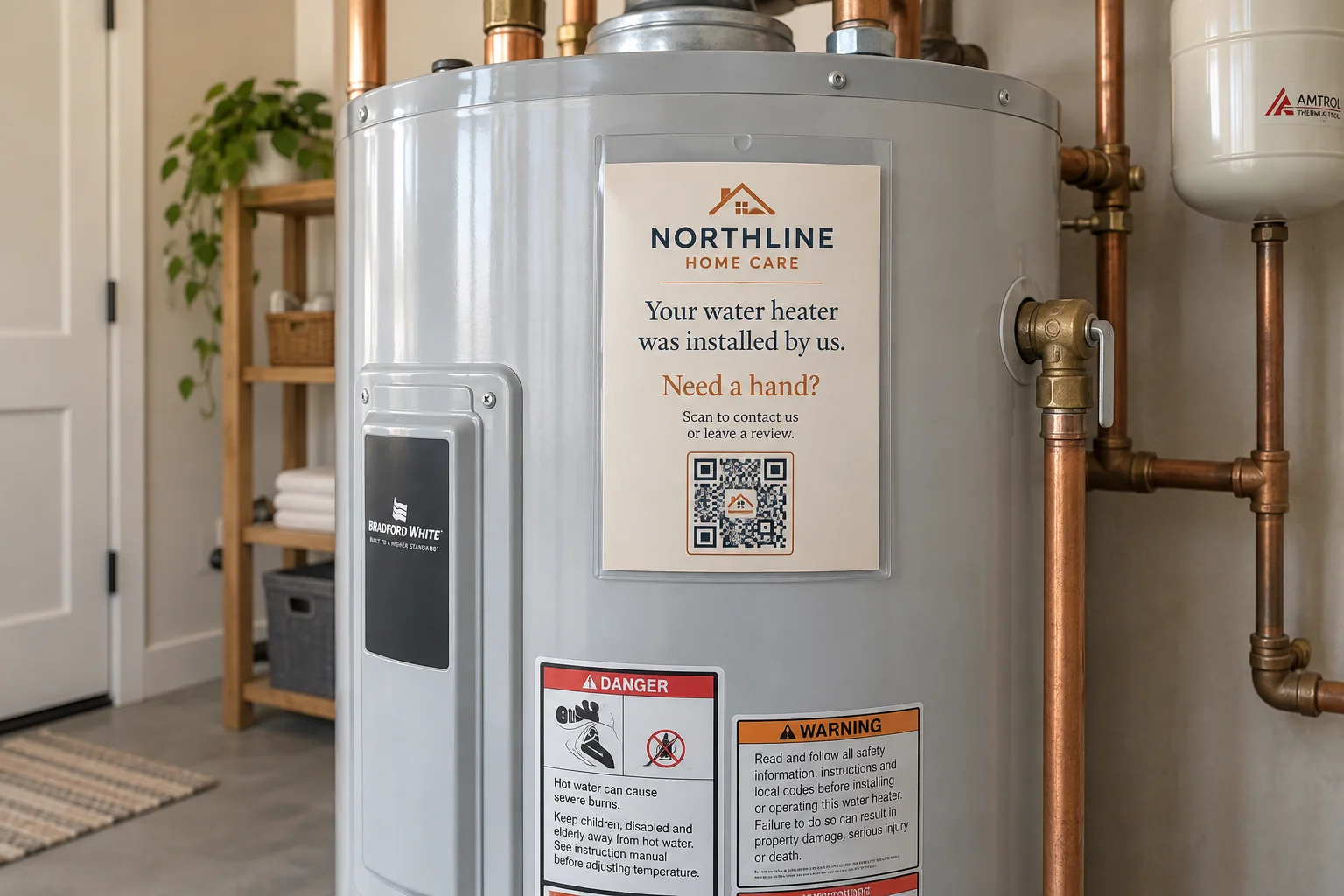
A Northline installation card in a clear sleeve on a water heater, with a QR code to contact the installer or leave a review.

After the service

With the customer’s permission, leave a card in a removable sleeve near the furnace, water heater, or service area. Keep safety labels and access points clear.

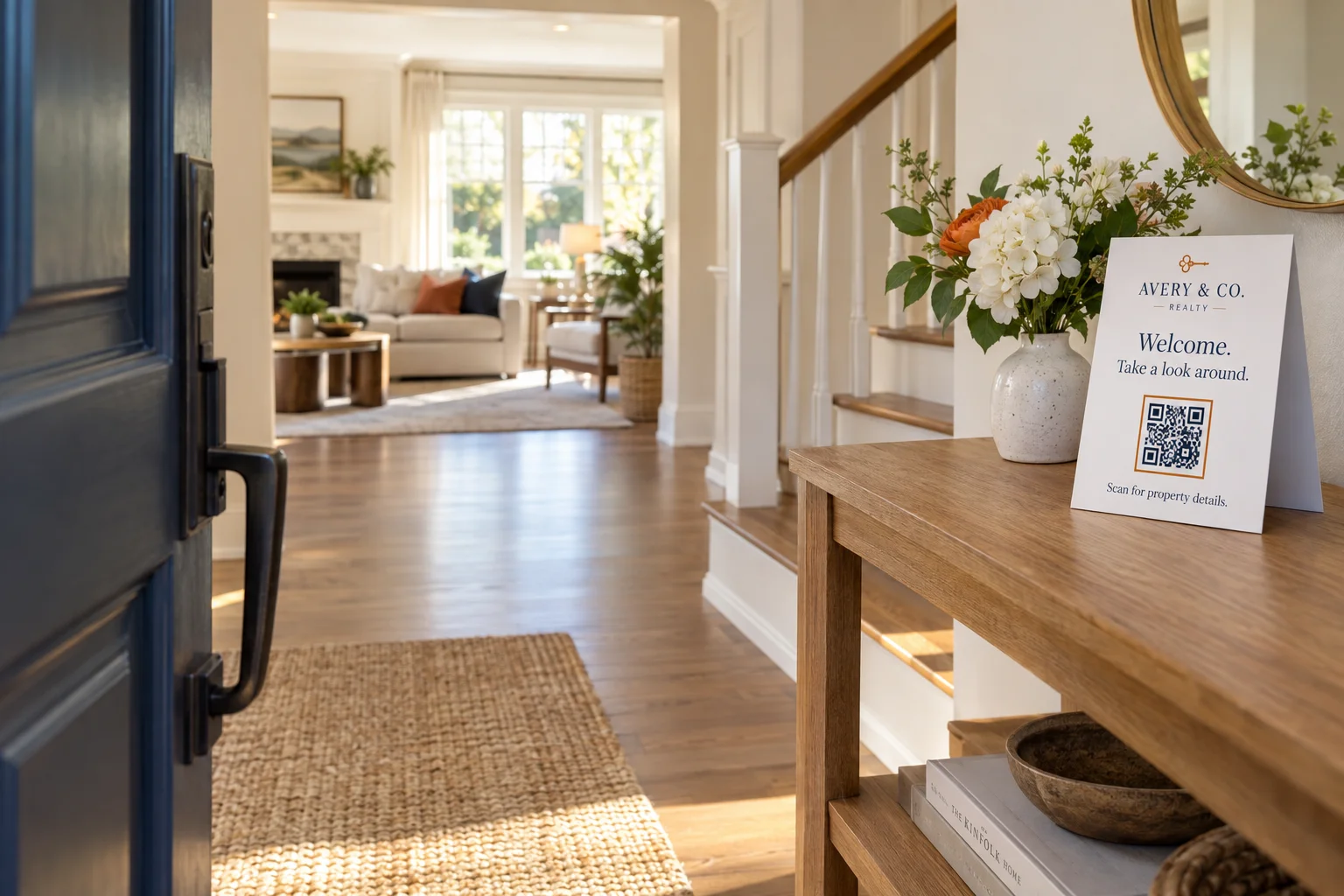
A freestanding Avery & Co. Realty card on an open-house entryway table, inviting visitors to scan for property details.

At the open house

Welcome visitors with a freestanding card on the entryway table. They can scan for property details, arrange a showing, or contact you later.

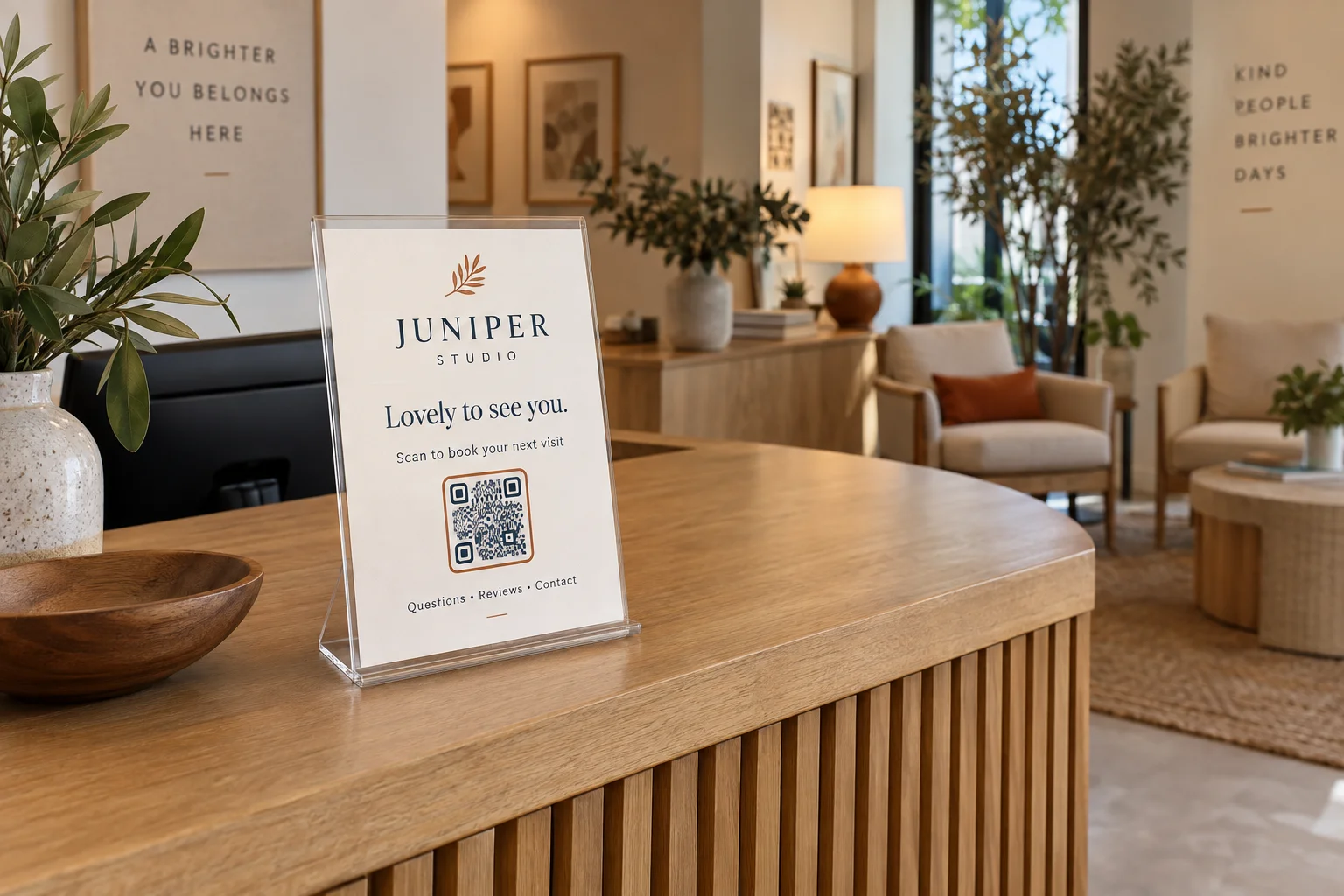
A Juniper Studio booking and contact card in an acrylic stand on a reception desk, with welcoming lounge seating behind it.

On your counter

Give your lobby or reception desk a simple next step: book a visit, ask a question, leave a review, or find your socials.

FROM YOUR PAGE TO THEIR NEXT VISIT

Make it yours. Put it to work.

One QR code opens your page from every copy you print. Change your links whenever you need to; the printed code stays the same.

MAKE IT YOURS

Step 1: Set up your
page

Choose a starting point, add your logo, and choose your colors. Add your booking, contact, review, or social links. We create the QR code for your page.

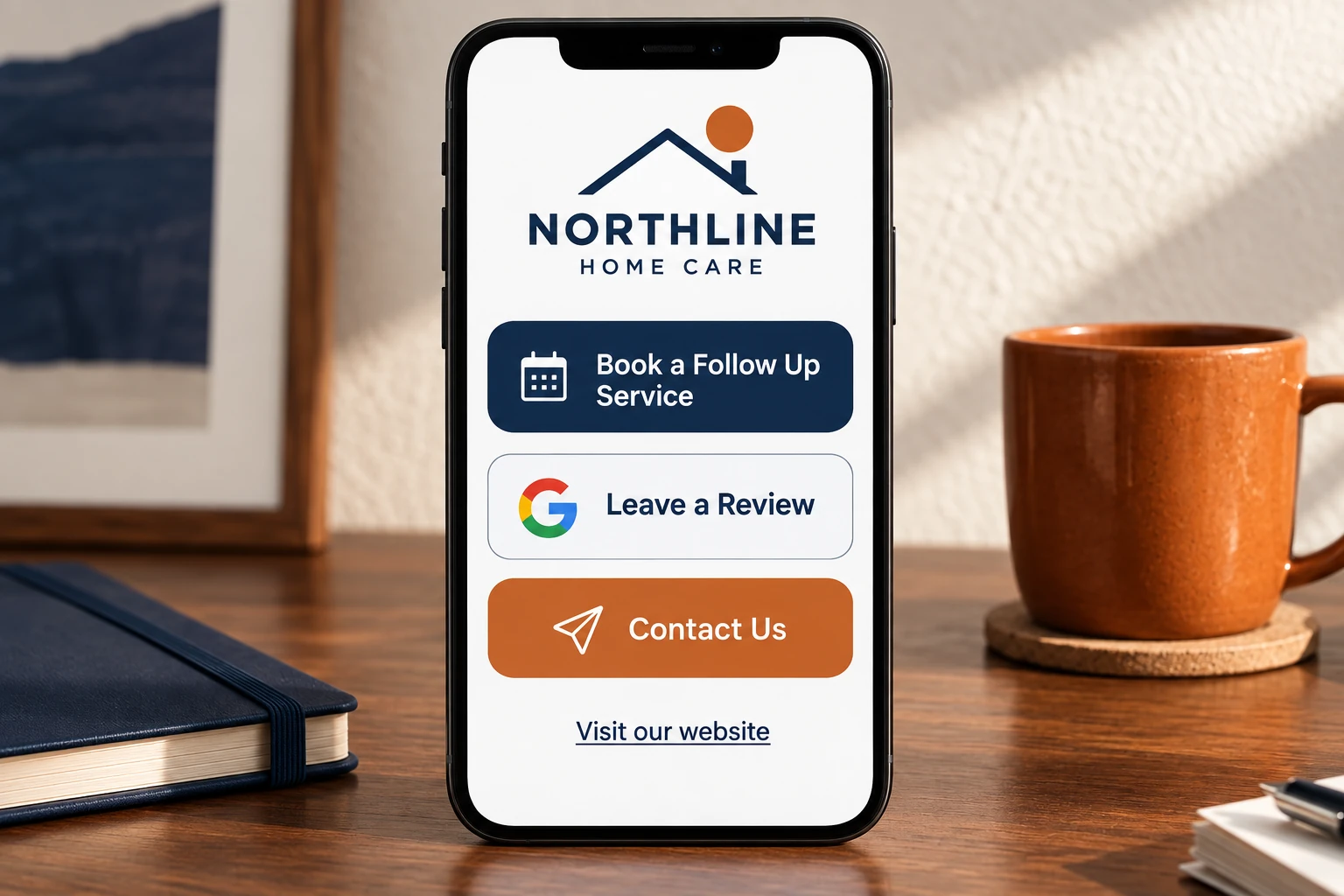
Northline Home Care’s page with booking, Google review, contact, and website links
Your business. Your links. One simple page.
DOWNLOAD YOUR DESIGN

Step 2: Print your
QR card

Start with our card design, edit the words and colors, and save it as an image. Print it yourself or take the file to a print shop. Add your own sleeve or tabletop holder.

A Northline installation card in a clear sleeve on a water heater, with a QR code to contact the installer or leave a review.
A removable card in a clear sleeve. No permanent sticker needed.
SOUND FAMILIAR?

“Who did we hire
last time?”

You won’t always know when a customer needs their next furnace cleaning, another appointment, or help with something new. Leave your card somewhere useful so your booking and contact links are there when they need them.

Great work shouldn’t be hard to find again.
Job well doneTime for another visit
Northline Home CareHere for your home.
NEED US AGAIN?Good to see
you again.

Scan to book, review,
or get in touch.

YOUR NEXT VISIT STARTS HERE ↗
On a desk. In a sleeve. There when they need you.
READY FOR THE NEXT VISIT

Help customers
find you again.

Give customers an easy way to review you, book again, and get in touch.

Create your page
THIS IS AN EXAMPLE

One tap to your Google review page.

Add your Google review link. Customers can open it from your page and share their experience.

Northline Home Care is a fictional business. These example buttons don’t submit reviews or make bookings.